

How biometric attendance works, and how to manage many devices in one place
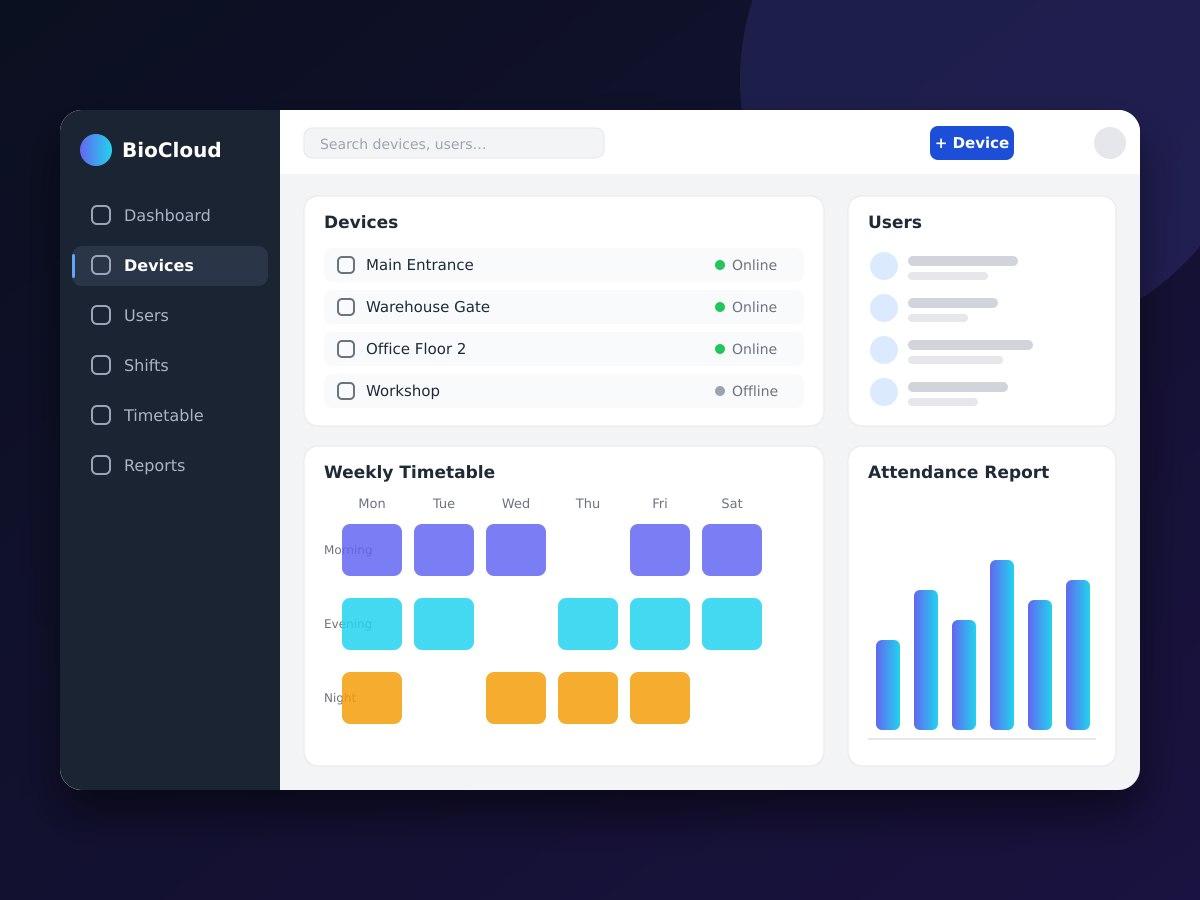
A biometric attendance device does two jobs. It recognises a person, usually by fingerprint or face, and it records a punch: who it was, which device captured it and when. The recognition usually happens on the device itself, so what reaches the software is the punch record rather than the biometric data.
The software then has to turn raw punches into something useful. That starts with mapping each device user to an employee, since the device only knows an ID number. Keeping that mapping in one place avoids the common problem of the same person having different IDs on different devices.
Shifts and timetables are what give punches meaning. A shift defines the expected start and end, a timetable assigns shifts to people and days, and rules such as grace periods decide when an arrival counts as late. Night shifts that cross midnight need special care, because the end of the shift falls on a different calendar day from the start.
Reports are the output most people care about: daily attendance, late arrivals, early departures, absences and overtime, per employee and per period. These are only trustworthy if the punches are complete, which is why device clocks must be kept accurate and why a device that goes offline should store its punches and upload them when it reconnects.
Organisations rarely have just one device. A main entrance, a warehouse gate and a second floor each need their own, and adding sites multiplies the work of setting up users and checking that every device is online. Managing all devices from a single web application lets an administrator add a user once, see which devices are connected and pull reports across every location.
More Insights
Designing point-of-sale software that keeps selling when the internet drops
A checkout counter cannot wait for a connection. Here is how offline-first design keeps a POS usable, and what to get right when the data syncs back.
BusinessWhat to look for in billing and inventory software for a growing business
Spreadsheets and handwritten bills work until they do not. A practical checklist for choosing billing and stock software your team will actually use.
ArchitectureOne system, many branches: the data model behind multi-branch software
Running several locations from one application is mostly a data modelling question. Here is how to scope data per branch while keeping central reporting simple.